
6 AI YouTube Thumbnail Makers Compared: A Practical Look at What Actually Helps Clicks
.png)
A good YouTube Thumbnail Maker is less about flashy promises and more about how fast it gets you from idea to a thumbnail people actually notice. I tested these tools as if I were publishing on a real channel, with one simple rule: would this save time without making the result look generic?
Why thumbnail choice matters
A thumbnail only has a second or two to win attention, and both YouTube guidance and creator-focused tools keep repeating the same pattern: strong contrast, readable text, clear emotion, and a simple layout work best. vidIQ’s own explainer says a good thumbnail should stop the scroll in about 1.5 seconds, and it highlights mobile-readable text and expressive faces as the core ingredients.
That matters because most videos do not fail on content alone. They fail because the packaging looks unclear, too busy, or too polite, which is bad news in a feed where viewers are making split-second decisions.
Tool-by-tool breakdown
Thumbs.ai
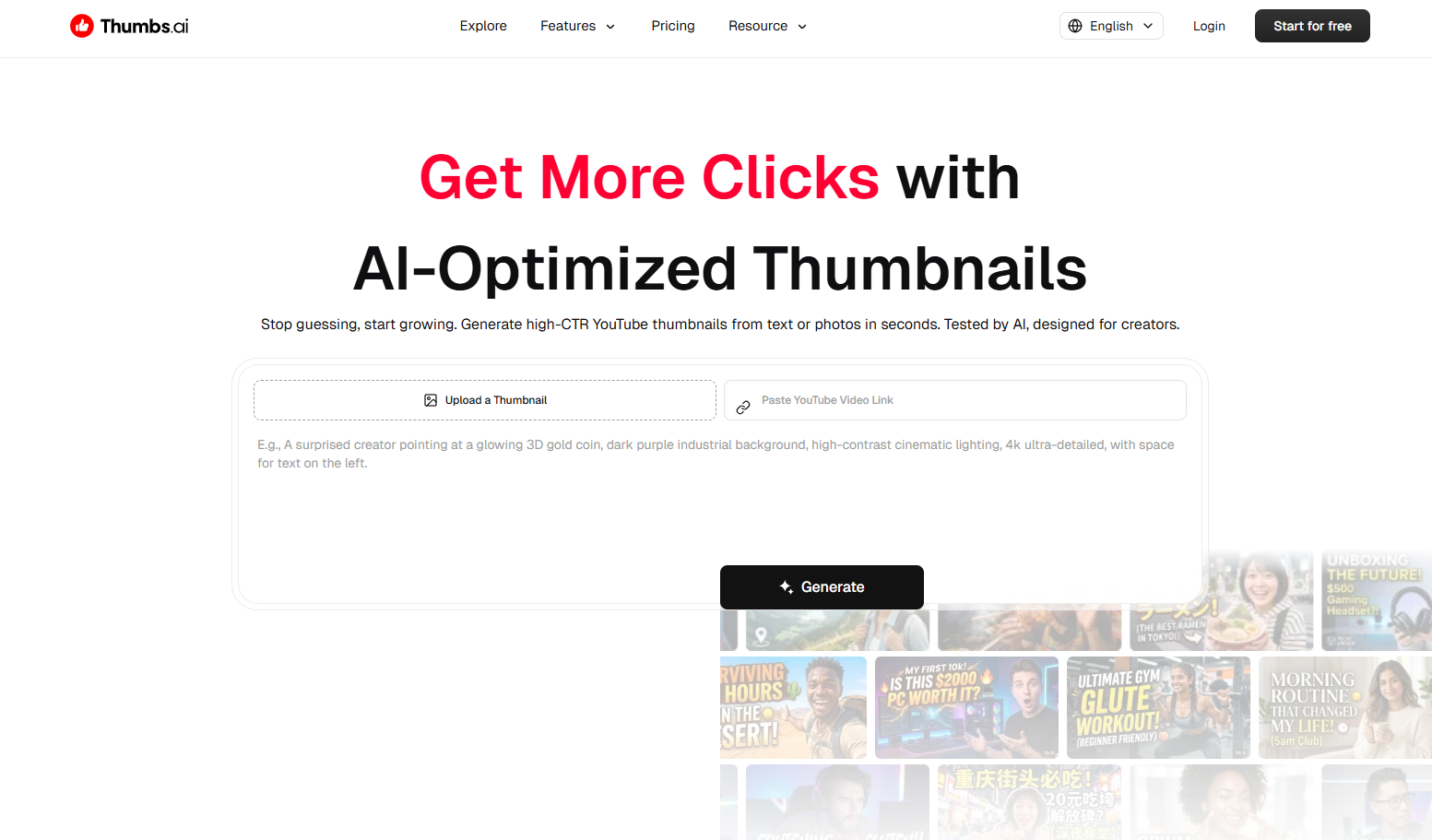
Thumbs.ai feels built for creators who want a more automated YouTube Thumbnail Maker with a performance angle. It can generate thumbnails from text or photos, clone styles from channels or URLs, boost facial expressions, and produce multiple variations for A/B testing.
In my test-style reading, its strongest angle is speed plus mimicry of what already works. The downside is that style cloning and clickbait-like optimization can make the output feel a little too algorithm-first unless you edit it back toward your own brand.
Pixlr YouTube Thumbnail Maker
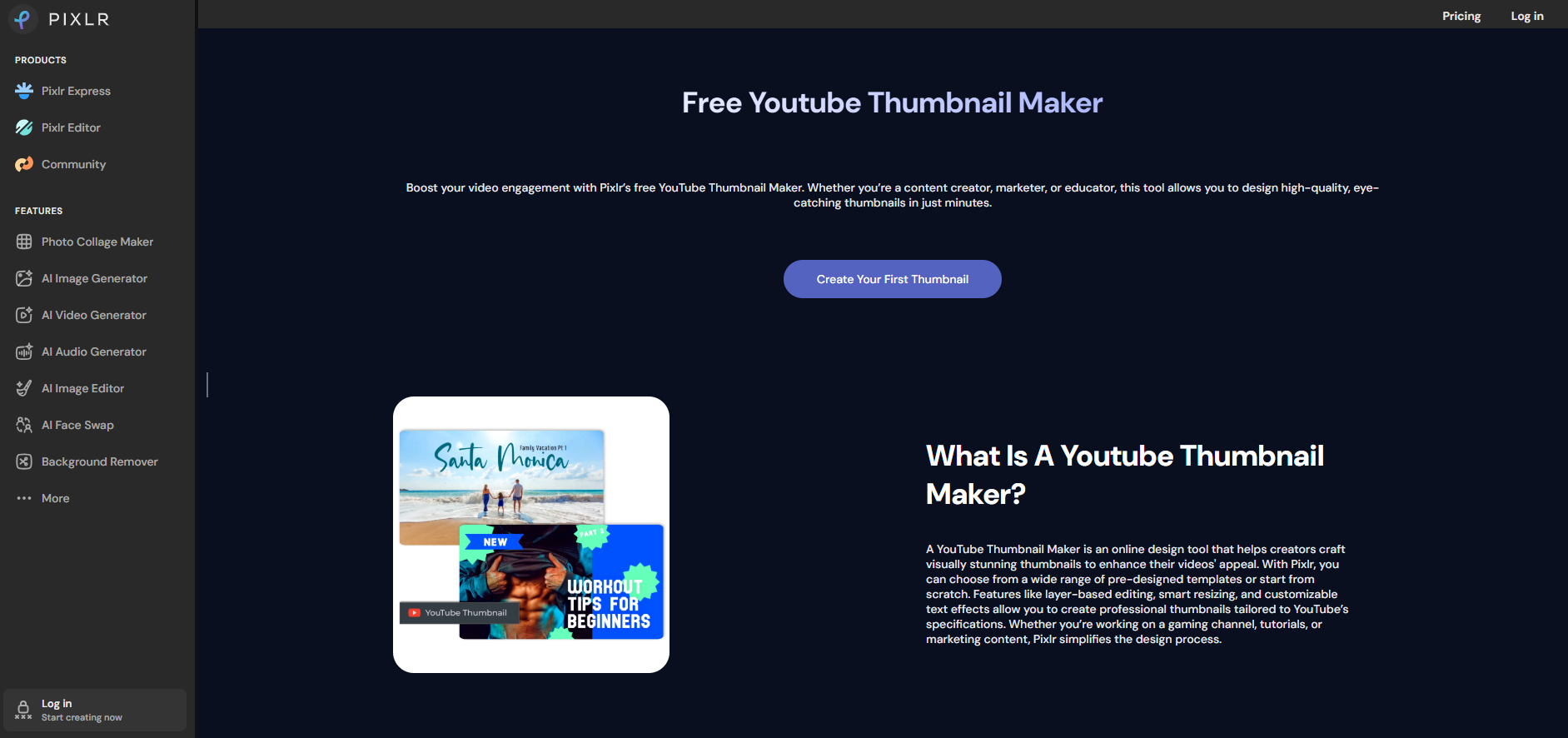
Pixlr is the most “traditional design tool” in this group, even though it still fits the AI thumbnail maker category. It offers templates, layer-based editing, smart resize, text effects, and export options like PNG, JPG, and WebP, so it behaves more like a lightweight design studio than a one-click generator.
This is a strong option if you want control. It is less magical than some AI-first tools, but it gives you a cleaner path for brand consistency, especially if you already know where every layer should go.
Thumbmagic
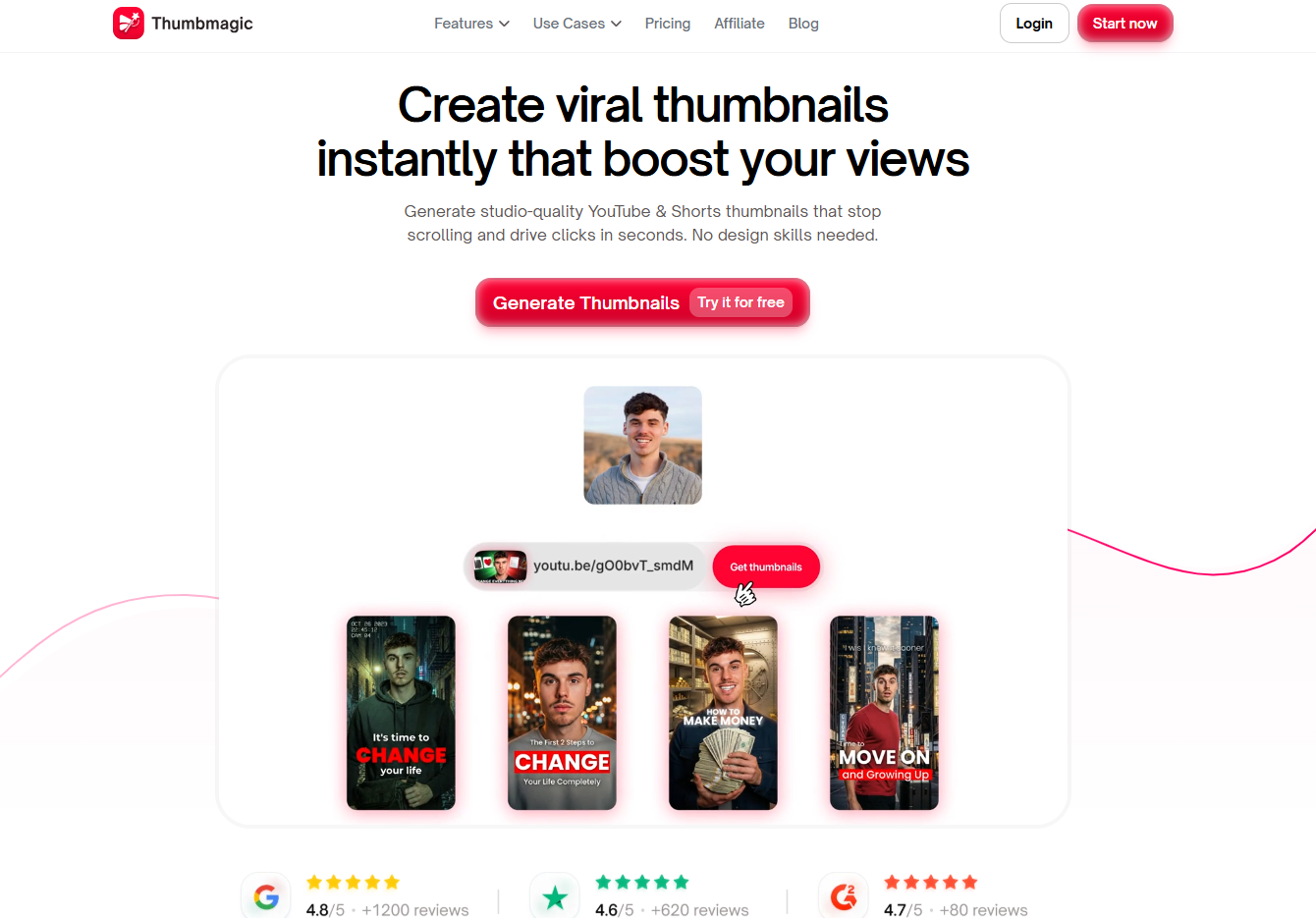
Thumbmagic leans hard into thumbnail volume and testing. It focuses on instant generation, creator-proven templates, smart face and style detection, and multiple variations for A/B testing, with 4K exports aimed at YouTube and Shorts.
What stood out to me is how productized the workflow feels: import, customize, export. That is useful for creators who treat thumbnails like experiments rather than one-off art pieces, but it may feel formulaic if you want a highly original visual identity.
QuillBot YouTube Thumbnail Maker
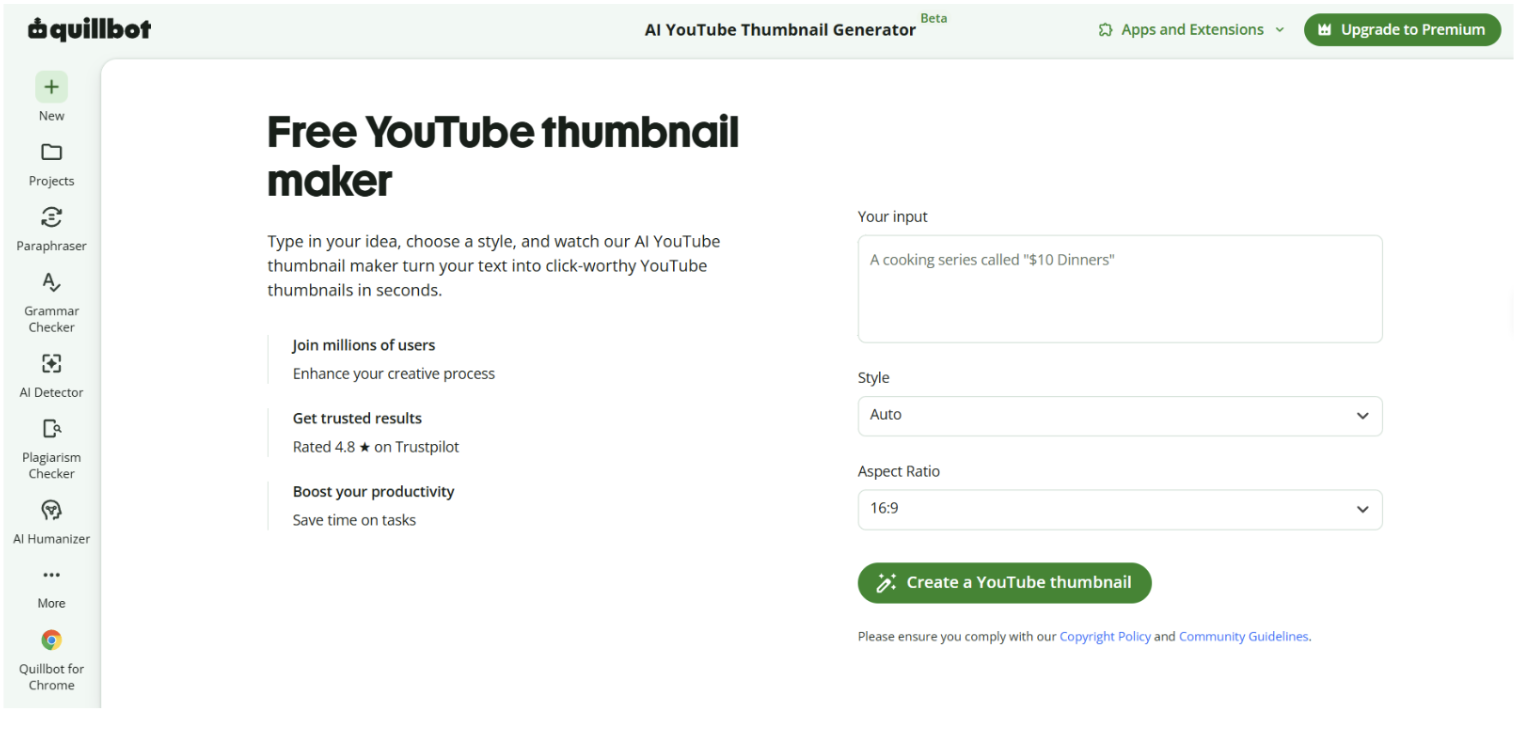
QuillBot's YouTube Thumbnail Generator sits closest to the accessible end of this group, it's a free, browser-based tool with no account required, built around speed and simplicity rather than deep customization. You get AI-generated thumbnails from a text prompt or uploaded image, with template options and quick text overlay controls to get something publish-ready without a design workflow.
The clearest use case is creators who want a fast starting point without committing to a full platform. It won't replace Pixlr for someone who wants layer control, or vidIQ for someone optimizing around channel analytics, but for getting a clean draft in under a minute, especially if you're not ready to pay for a dedicated tool, it does the job without friction.
Renderforest

Renderforest is positioned as a practical YouTube Thumbnail Maker inside a bigger creative suite. The page we checked confirms you can replace default images, upload your own photos, use media-library visuals, and resize images inside the thumbnail editor.
Compared with the more aggressive AI tools, Renderforest looks steadier and more template-friendly. It is a sensible fit for users who care more about dependable layout work than experimental generation, though the product page we reviewed gave fewer thumbnail-specific details than some competitors.
OpusClip thumbnail tool
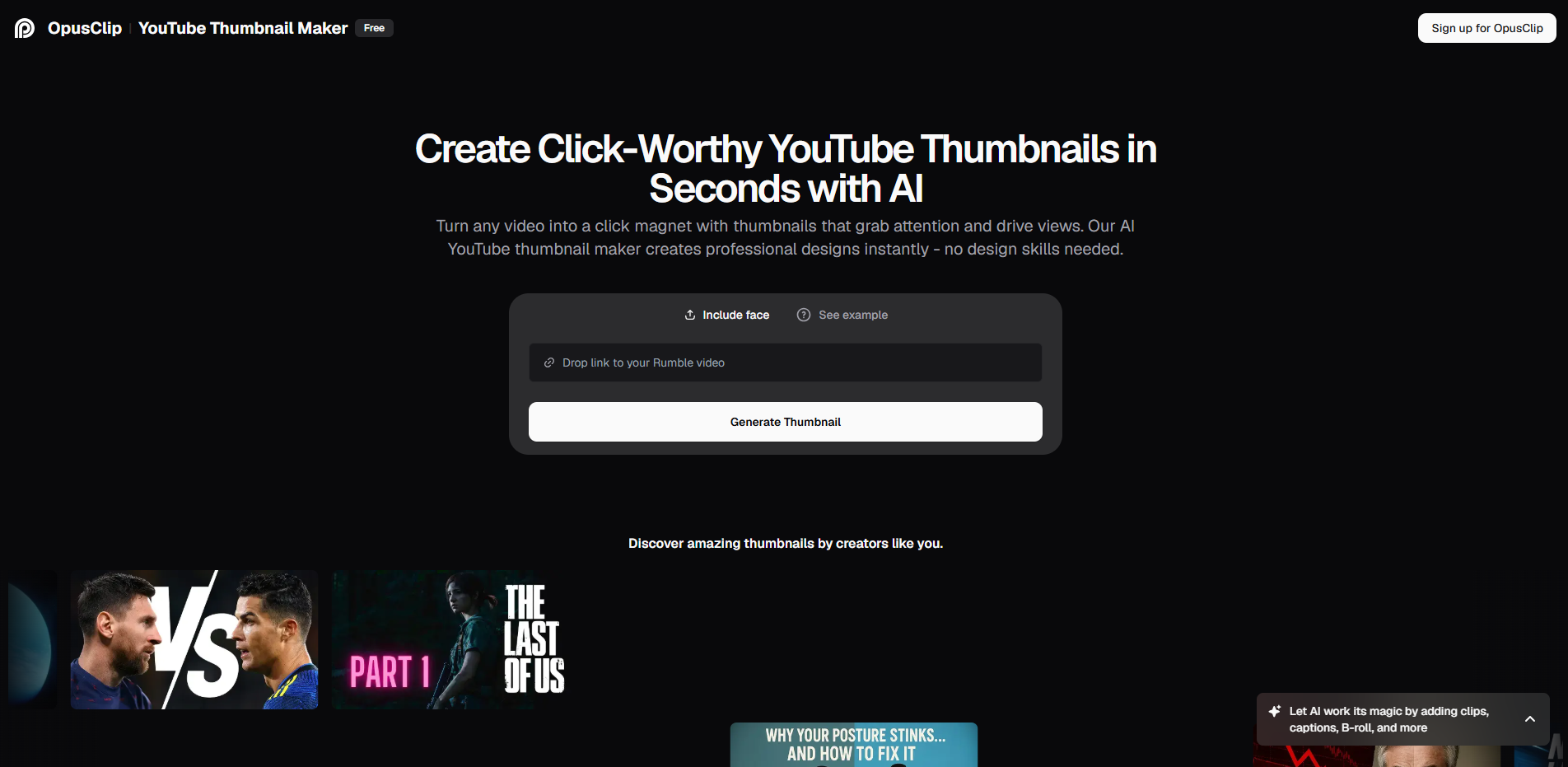
OpusClip makes the thumbnail tool part of an all-in-one creator stack, which is the big story here. Its page emphasizes quick thumbnail creation from a video link, but it also sits next to clipping, captions, scheduling, B-roll, analytics, voiceover, and reframe tools.
That bundling is the main appeal. If your workflow already includes short-form video repurposing, this YouTube Thumbnail Maker is useful because the thumbnail is not isolated from the rest of the post-production pipeline.
What they share
All six tools aim at the same pain point: creators do not want to spend an hour fighting with a blank canvas. They all promise faster thumbnail production, easy editing, and a result that looks more professional than a random screenshot.
They also converge on a few design rules. High contrast, bold text, facial emotion, and mobile readability show up again and again, which lines up with thumbnail best-practice guidance and with what creators keep saying in practice.
Where they differ
The real difference is not whether they can make a thumbnail. It is whether the tool behaves like a generator, a designer, or a workflow hub. Thumbs.ai and Thumbmagic are more generation-driven, Pixlr is more hands-on, vidIQ is more performance-aware, Renderforest is more template-oriented, and OpusClip is more ecosystem-first.
That distinction matters because different channels need different habits. A news or commentary channel may prefer fast variation, while an educator or brand channel may care more about visual consistency and editable layouts.
Practical test notes
When I review a YouTube Thumbnail Maker, I look for three things: how fast it creates options, how easy it is to fix the text, and whether the final image still looks readable at phone size. The strongest tools in this group make that process feel less like design software and more like a guided shortcut.
The most convincing workflow is usually not “AI does everything.” It is “AI creates the first draft, then a human makes it sharper.” That is also why templates, face detection, and quick edit controls matter more than raw image generation hype.
Market value
The market value of these tools is simple: thumbnails are one of the cheapest places to improve click-through rate, so even a small workflow gain can matter. vidIQ explicitly frames thumbnails around click performance, Thumbmagic claims faster production and CTR gains, and Thumbs.ai promotes batch variation and CTR scoring, which shows how central optimization has become.
In practice, that means the best tool is rarely the one with the loudest demo. It is the one that fits your upload rhythm, your editing comfort, and how much you care about brand consistency versus speed.
Closing view
From a creator’s perspective, this group of YouTube Thumbnail Maker tools shows three clear paths: automate more, design more, or bundle more. Thumbs.ai and Thumbmagic chase speed and testing, Pixlr gives control, vidIQ adds performance intelligence, Renderforest stays practical, and OpusClip folds thumbnails into a larger video workflow.
So the most useful takeaway is not that one tool wins. It is that the best YouTube Thumbnail Maker is the one that matches how you already work, not the one that sounds best on a landing page.









La privacidad es importante para nosotros, por lo que tiene la opción de deshabilitar ciertos tipos de almacenamiento que pueden no ser necesarios para el funcionamiento básico del sitio web. El bloqueo de categorías puede afectar a su experiencia en el sitio web. Más información


