
Unlock Your Creativity: The Ultimate Guide to AI Videos in 2026
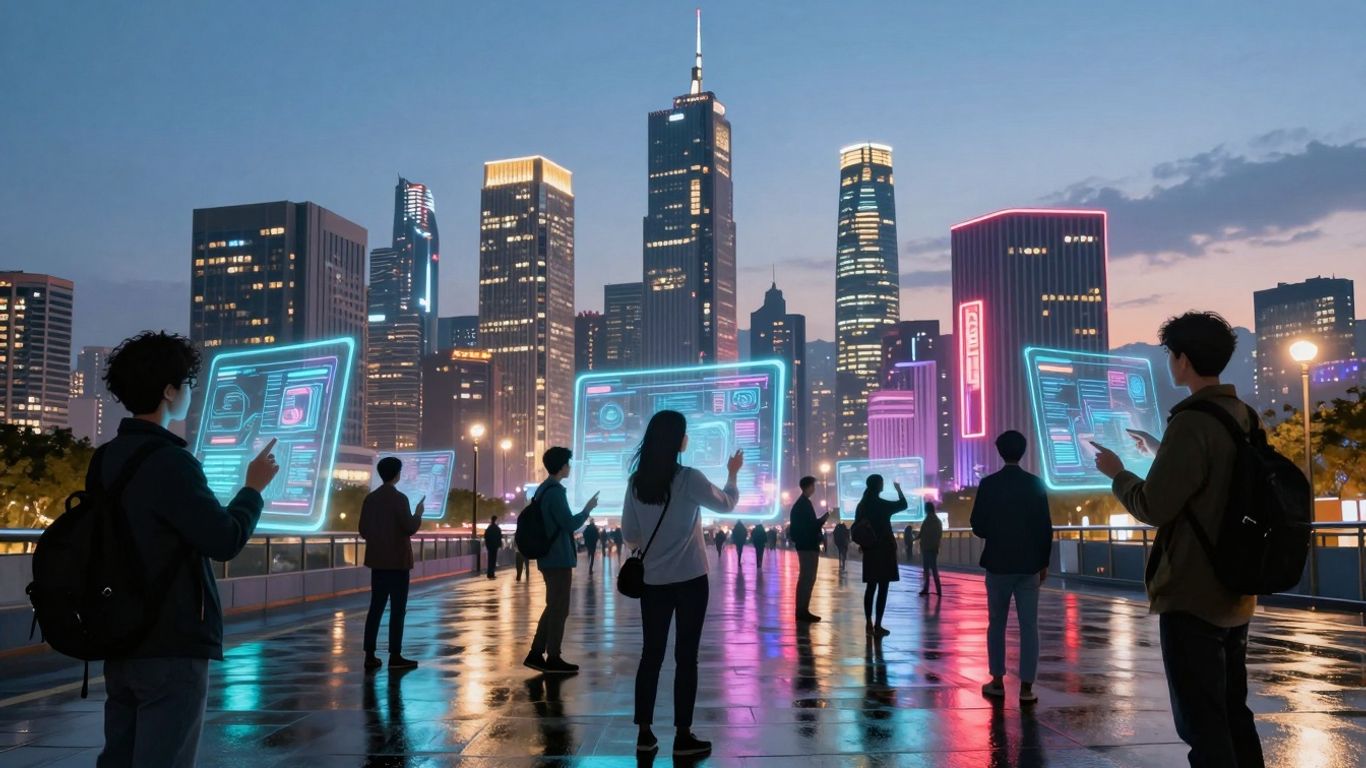
AI videos are changing how we make content. It's not about replacing people, but giving us new ways to be creative. Think of it like having a super-smart assistant that can help with ideas, visuals, and even sound. This guide is here to help you understand what's happening with ai videos and how you can use these new tools, whether you're just starting out or you've been making videos for years. We'll look at the cool new trends, the tools you can use, and how to get the most out of them, while also being aware of the challenges.
Key Takeaways
- AI is becoming a partner in creativity, not just a tool, expanding what's possible in video production.
- Expect more human-AI collaborations and a rise in custom AI models for unique creative styles in ai videos.
- AI tools are making video creation more accessible, but this means curators and those with strong personal brands will stand out.
- While AI offers huge creative potential, be mindful of job shifts, potential for similar-looking content, and ethical questions.
- Getting started with ai videos is easier than you think; focus on clear ideas, experiment with tools, and learn best practices for good results.
The Evolving Landscape of AI Videos
It feels like just yesterday that AI video tools were a bit of a novelty, something you'd play around with for fun. But things have changed, and fast. Generative creativity, which really took off in 2024 with tools like Midjourney and DALL-E making image creation accessible, has now spilled over big time into video. We're seeing AI move beyond just being a simple tool; it's becoming more like a creative partner. Think of it as a brainstorming buddy that can quickly show you a dozen different ways to visualize an idea, or a tireless assistant that handles the tedious parts of animation.
This shift means AI isn't just about making things faster, it's about expanding what's even possible creatively. We're starting to see AI help with everything from generating initial concepts to animating still images into short clips. It's a big change from just using software to edit footage; now the software can help create the footage itself.
Generative Creativity Explodes
Remember when creating visuals took a lot of skill and time? Well, that's changing. AI tools are now capable of producing really striking visual content from simple text prompts. This explosion in generative creativity means more people can create visuals than ever before. It's not just about making pretty pictures anymore; AI is now being used to generate entire video sequences, animations, and even special effects that used to require a whole team and a big budget.
AI as a Collaborator, Not Just a Tool
This is a big one. Instead of just using AI to perform a specific task, like cutting a video clip or adding a filter, we're seeing AI get involved much earlier in the creative process. It can help brainstorm ideas, suggest different visual styles, or even generate variations of a scene you're working on. This collaborative aspect is what's really changing how creators work. It's less about telling the AI exactly what to do and more about working with it to achieve a vision.
The Expanding Capabilities of AI Video Tools
The tools themselves are getting seriously powerful. We're talking about AI that can:
- Generate video from text descriptions.
- Animate still images into moving clips.
- Assist with complex editing tasks like object removal or color correction.
- Create realistic or stylized animations.
- Even generate music and sound effects to go with the video.
It's a pretty wild time, and the pace of development means what seems cutting-edge today will likely be standard practice in a year or two.
The way we think about making videos is fundamentally shifting. It's becoming more accessible and more experimental, all thanks to AI.
Key Trends Shaping AI Videos in 2026
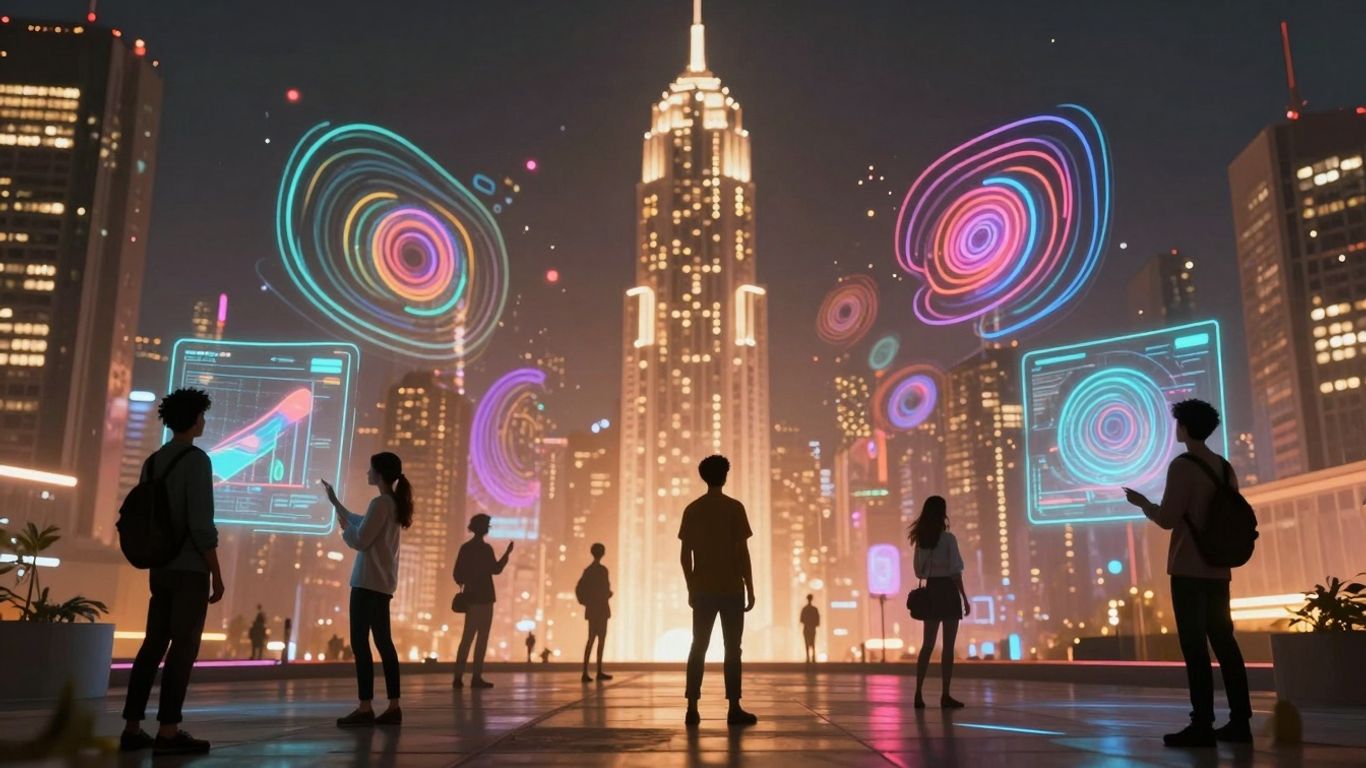
AI video tools are moving beyond simple novelty. By 2026, we're seeing a significant shift in how these technologies integrate into the creative process. It's less about AI doing the work for us and more about how we can work with it.
AI and Human Creative Partnerships
Forget the idea of AI replacing artists entirely. Instead, think of AI as a super-powered assistant. Tools like Sora and Runway Gen-3 are becoming more sophisticated, allowing creators to explore ideas faster than ever before. This means more time can be spent on the conceptual and artistic direction, rather than getting bogged down in the technical execution. We're going to see more projects where the final output is a true collaboration, blending human vision with AI's ability to generate and iterate rapidly. It's about augmenting human talent, not substituting it.
Democratization and Curation in Video Creation
AI is making video creation accessible to a much wider audience. This is fantastic for bringing new voices into the mix, but it also means a lot more content is being produced. Standing out in this crowded space will require more than just technical skill. Your unique perspective and storytelling ability will become your biggest assets. Think of it like this: anyone can pick up a paintbrush, but not everyone can create a masterpiece. The ability to curate, select, and refine the best AI-generated elements, combined with a strong personal brand, will be key. We'll likely see a rise in demand for skilled art directors and curators who can sift through the noise and identify compelling visual narratives.
The Rise of Custom AI Models for Unique Styles
Generic AI outputs are starting to feel a bit samey. By 2026, expect creators and studios to move towards training their own AI models. This allows for a truly distinctive visual style that's hard to replicate. Imagine a fashion brand developing an AI that only generates videos in its specific aesthetic, or an animator creating a model trained on their personal drawing style. This level of customization means AI can become an extension of an individual artist's or brand's identity, rather than just a general-purpose tool. It's about building a digital signature that AI can then help you scale.
The sheer volume of AI-generated content will make authenticity and a clear artistic voice more important than ever. It's not just about what you can make, but how you make it uniquely yours.
Essential AI Tools for Video Production
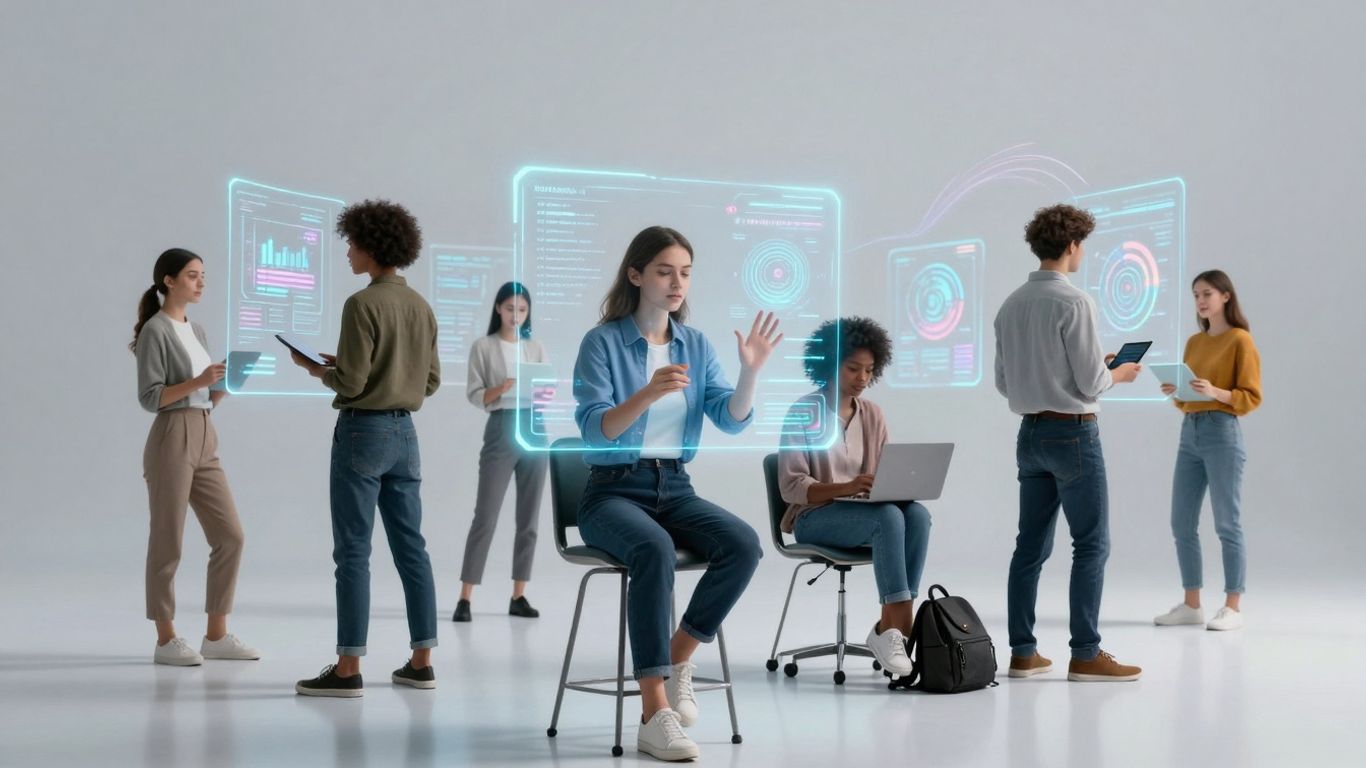
Alright, so you're ready to jump into making videos with AI, but where do you even start? It can feel a bit overwhelming with all the options out there. Luckily, there are some really solid tools that can help you out, whether you're just messing around or trying to get some serious work done. These aren't just fancy toys; they're becoming a real part of how videos get made.
Top AI Platforms for Visual and Video Generation
When you're looking to create visuals or entire video clips from scratch using AI, a few platforms stand out. They basically take your text descriptions and turn them into something you can see. Think of it like giving a very specific set of instructions to an artist who works incredibly fast. The quality and style can vary a lot, so it's worth trying a few to see which one clicks with what you're trying to achieve.
Here are some types of tools you'll find:
- Text-to-Video Generators: You type in what you want to see – like "a cat wearing a tiny hat sitting on a windowsill" – and the AI tries to make a video clip of it. Some are better at short, animated clips, while others aim for more realistic footage.
- Image-to-Video Tools: If you already have a picture, these tools can add motion to it. Imagine making a still photo of a landscape start to show wind blowing through trees or clouds moving across the sky.
- AI Art Generators with Video Features: Some platforms known for creating still images with AI have started adding video capabilities, letting you animate those images or generate short video sequences based on your prompts.
Leveraging AI for Enhanced Editing and Animation
Beyond just creating new footage, AI is also a big help when it comes to editing and adding animations to videos you've already shot or generated. This is where things can get really interesting for making your videos look more professional without needing a huge team.
- Automated Editing: Some AI tools can look at your raw footage and automatically cut out the boring parts, select the best takes, or even assemble a rough cut based on a script. This saves a ton of time sifting through hours of video.
- Smart Object Removal: Ever filmed something great but there's a distracting object in the background? AI can often remove it cleanly, making your shot look much better.
- AI-Powered Animation: For adding graphics or animating elements, AI can speed things up. This could be anything from automatically generating subtitles that stay in sync to creating animated characters or motion graphics based on simple inputs.
It's important to remember that these AI editing tools are often best used as assistants. They can handle the repetitive or time-consuming tasks, freeing you up to focus on the creative decisions that really make a video shine. Don't expect them to do all the heavy lifting perfectly on the first try; a human touch is usually still needed for the final polish.
AI-Assisted Music and Audio Production
Video isn't just about what you see; sound is a massive part of it. AI is stepping in here too, making it easier to get good audio for your projects.
- AI Music Generators: Need background music? You can often describe the mood, genre, and tempo you want, and the AI will compose a unique track for you. This is way better than using generic stock music if you want something specific.
- Voice Synthesis: AI can generate voiceovers from text. You can pick from different voices, accents, and languages. While it's getting really good, sometimes the emotion can feel a bit off, so it's best for narration or explainer videos rather than deeply emotional dialogue.
- Audio Enhancement: AI tools can clean up noisy audio, remove background chatter, or even balance the levels of dialogue, music, and sound effects automatically. This can make even amateur recordings sound much more polished.
Strategies for Thriving in the AI Video Era
So, how do you actually do well when AI is changing everything so fast? It’s not just about being quicker. It’s about being ready to try new things and not being afraid to mess up a bit. Think of it like learning to cook a new dish – you might burn the first one, but you learn what not to do next time. The key is to stay flexible and curious.
Experimentation and Prompt Engineering
Playing around with AI tools is super important. You can't just use them the same way everyone else does and expect to stand out. This means getting good at talking to the AI, which is what people call 'prompt engineering.' It's like giving really specific instructions to get exactly what you want. You might start with a simple idea, but then you tweak the words, add details, and see how the AI responds. It’s a back-and-forth process.
Here are some ways to get better at this:
- Try different AI video generators. They all work a bit differently.
- Don't be afraid to use weird or unusual words in your prompts. Sometimes that’s where the magic happens.
- Keep notes on what prompts worked well and why. This builds your own personal cheat sheet.
- Look at what others are doing. See their prompts and results, and try to adapt them.
Building Trust Through Transparency
When you use AI to make videos, it’s a good idea to let people know. Pretending you made everything by hand when you used AI can feel a bit dishonest. Being upfront builds trust with your audience. It shows you’re not trying to trick anyone. Think about it like this: if a chef tells you they used a special oven to get a perfect crust, you’re probably more impressed than if they just said they made it themselves without mentioning the oven.
In a world flooded with AI-generated content, honesty about your tools becomes a differentiator. It’s about acknowledging the technology while still highlighting your creative direction and curation skills. This approach helps maintain authenticity in your work.
Engaging with AI Creative Communities
There are tons of people out there right now figuring out this AI video stuff. Joining online groups, forums, or even local meetups where people talk about AI in creative fields can be really helpful. You can share what you’ve learned, ask questions when you’re stuck, and see what cool new things others are creating. It’s like having a whole team of people helping you learn and grow. These communities are a great place to find inspiration and get feedback on your work, and they can help you rethink your video strategy.
It’s also a good way to stay updated. The AI world moves fast, and what’s cutting-edge today might be old news tomorrow. Being part of a community means you’ll hear about new tools and techniques early on. Plus, you might even find collaborators for future projects.
Navigating Risks and Career Disruptions
It's easy to get caught up in the excitement of what AI video tools can do, but we also need to talk about the bumps in the road. The rapid growth of AI in creative fields brings some real challenges, and ignoring them would be a mistake. For many, the biggest worry is about jobs. Automation is getting really good at tasks that used to take a person a lot of time, like basic editing, rendering, or even generating simple animations. This could mean fewer opportunities for entry-level positions or roles focused heavily on execution.
Potential Job Displacement and Wage Stagnation
We're already seeing AI tools that can mimic specific artistic styles, sometimes without permission. This raises concerns about artists' work being devalued or their unique styles being replicated cheaply. Businesses might look to AI for faster, cheaper content creation, potentially pushing human creatives out of the picture. This isn't just about losing jobs; it's also about the potential for wages to stagnate or even decrease in certain areas as the supply of AI-generated content increases. While some research suggests that jobs with high AI exposure have seen employment growth, it's important to stay aware of the shifts in the job market.
The Challenge of Creative Homogenization
Another big issue is the risk of everything starting to look the same. When many creators use the same popular AI models, trained on similar data, the output can become predictable. Originality might suffer, and unique voices, especially those from niche communities or those that don't fit mainstream trends, could get lost. It's like everyone suddenly using the same filter on all their photos – it loses its special quality.
Ethical Considerations and Authenticity
We also have to think about the ethics of it all. How do we ensure AI models are trained on data ethically? What happens when AI generates content that looks like it was made by a specific artist without their consent? And how do we, as viewers and consumers, know what's real and what's AI-generated? Building trust means being upfront about AI use. It's a tricky balance between using powerful new tools and maintaining the integrity and authenticity of creative work.
The speed of technological change can be overwhelming, especially for those just starting out in creative careers. Educational institutions are also grappling with how to update curricula to include AI literacy and adaptive workflows, preparing students for a landscape that's evolving faster than ever before.
Here are some things to consider:
- Focus on irreplaceable human skills: Think about what makes your contribution unique. This could be emotional intelligence, complex storytelling, cultural context, or a specific artistic vision that AI can't replicate.
- Develop a strong personal voice: Cultivate a style and perspective that is distinctly yours. This will help you stand out even in a sea of AI-generated content.
- Embrace continuous learning: The AI landscape is changing daily. Staying curious and willing to learn new tools and techniques is key to adapting.
- Advocate for ethical AI practices: Be part of the conversation about responsible AI development and usage in the creative industries.
Getting Started with AI Video Generators
So, you're curious about making videos with AI, huh? It's actually way less complicated than you might think, especially if you're just starting out. Most of these tools live online, meaning you just need a decent internet connection and a web browser. No fancy software downloads required, which is a big plus.
Understanding Free AI Video Generators
Think of free AI video generators as your entry point into the world of AI-powered video creation. They're designed to be accessible, letting you experiment without spending a dime. While they're free, it's good to know there are usually some limits. You might find watermarks on your videos, a cap on how long they can be, or fewer customization options compared to paid versions. But for trying things out or making short clips for social media, they're perfect.
Essential Requirements and Setup
Getting set up is usually a breeze. You'll typically need to sign up for a free account on the platform you choose. Once you're in, the interface is generally pretty straightforward. You'll likely input your text – maybe a script, a few sentences, or even just a topic – and then the AI gets to work. You can often pick from pre-made templates, choose a voice for narration, and sometimes add background music. It's all about following the on-screen prompts.
Here's a quick rundown of what you'll generally need:
- A computer or tablet with internet access.
- A web browser (like Chrome, Firefox, or Safari).
- An email address for account creation.
- Your idea or script for the video.
Best Practices for Effective Video Creation
To get the most out of these free tools, a few simple strategies go a long way. Start with a clear idea of what you want to say. A well-written script or even just a few bullet points will guide the AI much better than a vague concept. Keep your message concise; AI videos often work best when they're to the point. Don't be afraid to play around with different settings – try various AI voices, different visual styles, or background music options to see what fits your video best. It’s also smart to review the final video carefully before you share it, just to catch any odd phrasing or visual glitches.
Remember, these tools are here to help you create. Don't expect them to read your mind, but do expect them to be a powerful assistant in bringing your ideas to life visually. A little bit of planning and experimentation makes a huge difference.
Avoid common pitfalls like expecting professional studio quality from a free tool right away, or forgetting to check your script for errors. Most platforms offer helpful tutorials, so take a look if you get stuck. The goal is to make your video look good and communicate your message clearly, and with a bit of practice, you'll get there.
Wrapping Up: Your Creative Future with AI
So, we've gone through a lot, right? From how AI is changing the game for artists and designers to the actual tools you can try out now. It’s clear that AI isn't just some sci-fi thing anymore; it's here and it's changing how we make stuff. It’s not about AI taking over, but more about it becoming a new kind of partner. Think of it as a super-powered assistant that can help you brainstorm ideas faster or handle some of the more tedious parts of creating. The key is to stay curious, keep playing around with these tools, and figure out how they fit into your own creative process. The future of making videos, art, and pretty much anything else is looking pretty wild, and honestly, kind of exciting. Don't be afraid to jump in and see what you can create.
Frequently Asked Questions
Will AI take over creative jobs?
AI is changing jobs, not ending them. Think of AI as a super-helpful assistant. It can do the boring, repetitive tasks really fast, like making rough drafts or finding images. This means people can focus on the really cool, creative parts like coming up with new ideas, telling stories, and adding their unique human touch. Some jobs might change, but new ones will pop up too, especially for people who know how to work with AI.
What's the difference between AI as a tool and AI as a collaborator?
Using AI as a tool is like using a hammer – you swing it to get a job done. Using AI as a collaborator is more like working with a partner. The AI can suggest ideas, try out different styles, and help you explore possibilities you might not have thought of on your own. It's like having a brainstorming buddy who's incredibly fast and knows a lot.
How can I start making videos with AI if I'm new to it?
Getting started is easier than you think! Many AI video tools are online, so you just need a computer and internet. You can often start with free versions. Usually, you type in what you want your video to be about, maybe add some text or choose a style, and the AI does the rest. Look for tools with simple instructions or video tutorials to help you learn.
What are 'prompts' in AI video creation?
Prompts are basically the instructions you give to the AI. It's like telling a friend what you want them to draw or write. The better and more detailed your prompt is, the better the AI can understand what you're looking for. Learning how to write good prompts, which is called 'prompt engineering,' is a key skill for getting great results from AI.
Is AI-generated content always original?
That's a big question right now! AI learns from tons of existing images and videos. Sometimes, the results can look very similar to what the AI learned from, raising questions about originality and copyright. It's important to be aware of this and to use AI responsibly. Many creators are also focusing on adding their own unique ideas and styles to AI outputs to make them truly their own.
What are the biggest benefits of using AI for making videos?
AI video tools can save you a lot of time and effort. They make it possible for almost anyone to create videos, even without fancy equipment or lots of editing skills. You can quickly try out different ideas, make videos for social media, or create explanations without needing a big budget. It really opens up video creation to more people.









Privacy is important to us, so you have the option of disabling certain types of storage that may not be necessary for the basic functioning of the website. Blocking categories may impact your experience on the website. View Our Privacy Policy


