
Top 5 Reel Maker Apps to Elevate Your Social Media Game
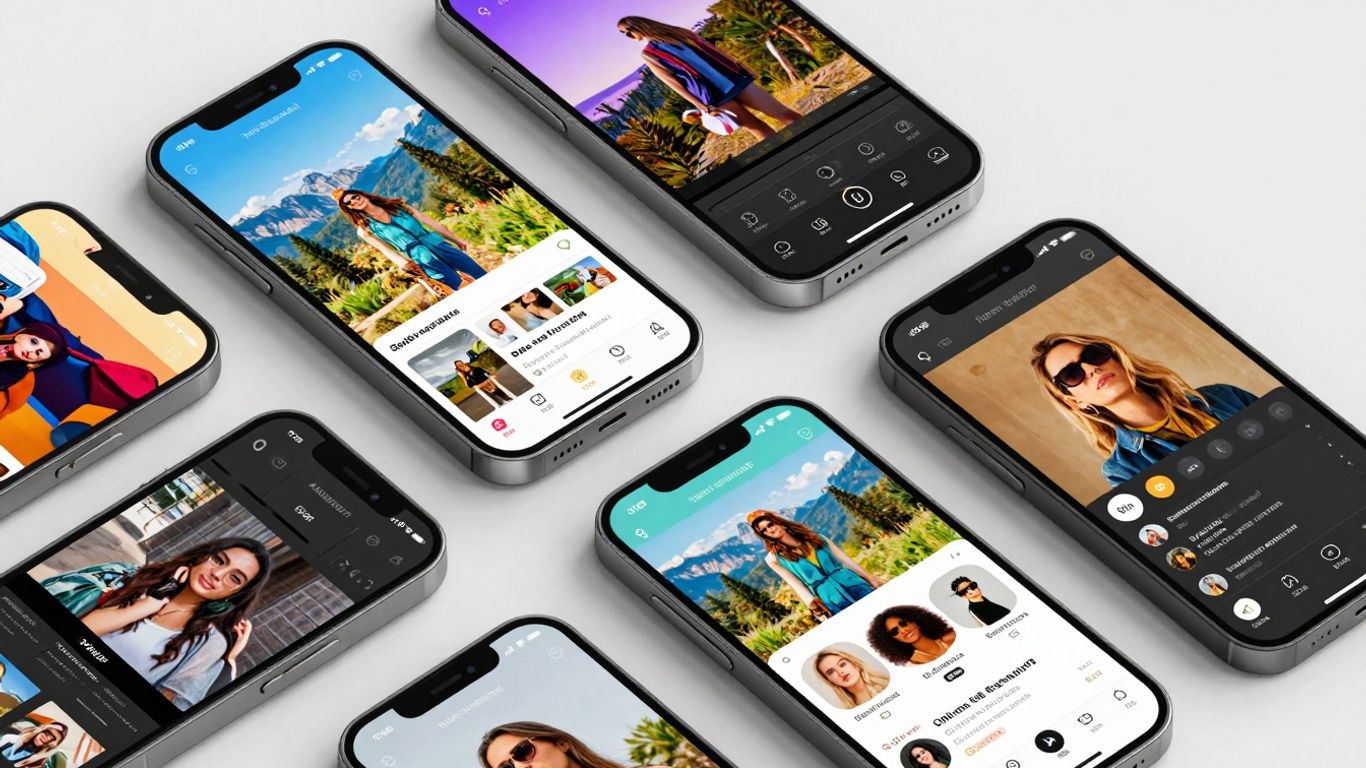
Scrolling through social media, you see all these amazing videos, right? And you're probably wondering how people make them look so good. Well, a lot of it comes down to using the right reel maker app. It's not just about recording; it's about putting your own spin on it. We've checked out a bunch of them, and these are the ones that really help make your content pop without being too complicated. So, if you're looking to make your own videos look more professional or just more fun, keep reading. We've got five apps that can seriously help you out.
Key Takeaways
- InShot is a solid all-around choice for editing Reels, offering lots of tools without being too hard to learn.
- CapCut is great for adding trendy effects and using templates to make your videos look current.
- Filmora gives you more advanced editing options, good if you want to get a bit more creative with your videos.
- Splice is known for making videos look cinematic, especially with its background video options and cool transitions.
- Clips, made by Apple, is a fun app for adding animated stickers and music to make your Reels lively.
1. InShot
When you're trying to make your Instagram Reels pop, InShot is a solid choice that many creators rely on. It's pretty straightforward to use, which is a big plus if you're not super into complicated software. You can do all the basic stuff like cutting, trimming, and merging clips together without much fuss. Plus, it lets you mess with the video speed, so you can get those cool slow-motion or fast-forward effects.
What I like about InShot is how many little extras you can add. You can slap on text, stickers, and even some filters to give your video a certain vibe. They also have a decent music library, or you can upload your own tracks, which is handy for branding or just using a song you love. It's also really good at letting you adjust the video size, so whether you're posting to Instagram, TikTok, or somewhere else, it'll fit right.
The free version does have some limitations, like watermarks and ads. If those bother you, you'll need to pay for the pro version or buy individual features. It's not ideal, but it's a common way these apps make money.
Here are some of the things you can do with InShot:
- Add text and customize fonts.
- Apply various filters and visual effects.
- Adjust video speed for dynamic pacing.
- Merge multiple video clips into one.
- Resize videos for different social media platforms.
Overall, InShot is a pretty capable app for getting your Reels looking good without a huge learning curve. It's a good starting point for most people looking to improve their social media videos.
2. CapCut
CapCut has become a go-to for many social media creators, and honestly, it's easy to see why. It's a free app that packs a serious punch when it comes to editing tools, and you can use it on your phone or even your computer. It's incredibly user-friendly, which is a big win when you're trying to churn out content quickly.
What makes CapCut stand out is its sheer versatility. You get a massive library of music, stickers, and fonts to play with. Need to make your Reel pop with some slow-motion effects? CapCut can do that. Want to jump on a trending meme format? They often have templates ready to go.
Here are a few things you can easily do with CapCut:
- Add text overlays with various fonts and animations.
- Incorporate trending sounds and music from their library.
- Apply a wide range of filters and visual effects.
- Use pre-made templates to speed up your workflow.
- Adjust video speed for dramatic or comedic effect.
The app's interface is pretty straightforward. You can import your clips, arrange them, trim them down, and add all sorts of bells and whistles without needing a degree in video editing. It really simplifies the process of making your videos look polished.
Whether you're just starting out or you've been creating content for a while, CapCut offers a lot of features without a steep learning curve. It's a solid choice for making your Reels look professional without costing you a dime.
3. Filmora
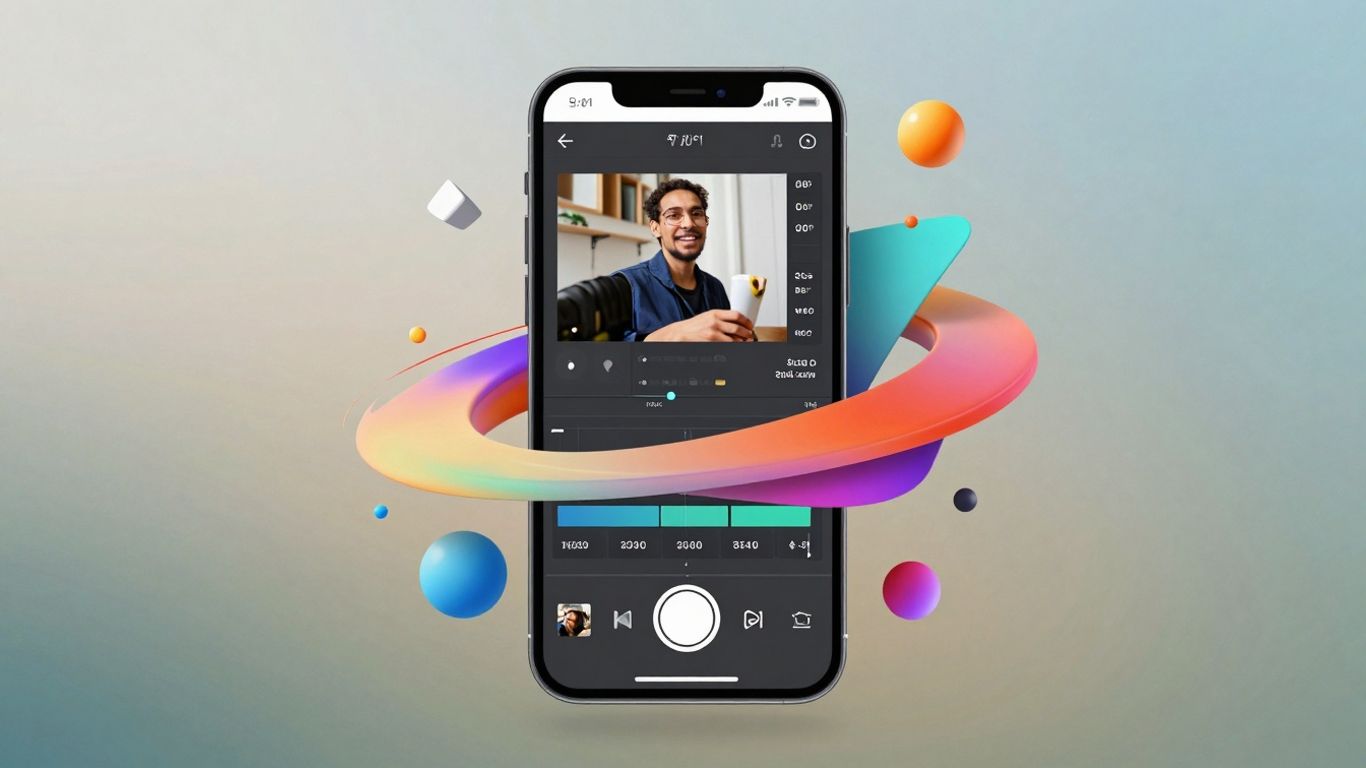
Filmora is a pretty solid choice if you're looking to add some flair to your social media videos without getting bogged down in super complicated software. It’s got a good mix of features that make your reels look more polished, even if you're not a professional editor.
What I like about Filmora is that it doesn't feel overwhelming. You can jump right in and start messing around with different effects. It’s got things like:
- Templates to get you started quickly.
- Animations that can make your text or graphics pop.
- Voiceover tools if you want to add your own narration.
- A decent music library to pick from.
- Some newer AI features that can help automate certain editing tasks.
They also have this neat green screen effect, which is fun for creating different backgrounds. And if you’ve got multiple clips that need to sync up, their auto-sync tool can be a real time-saver. It’s a good middle-ground app, offering more than the basic editors but not quite as complex as some of the pro-level stuff.
Sometimes, you just need a tool that gets the job done without a steep learning curve. Filmora seems to hit that sweet spot for a lot of people who want their videos to look good for social media, especially Reels, without spending hours figuring out how to use it. It’s about making your content look professional without all the fuss.
While the free version might have some limitations, like watermarks, upgrading to their pro version usually isn't too expensive and opens up a lot more possibilities. It’s definitely worth a look if you want to step up your video game a bit.
4. Splice
Splice is another popular choice for making your Instagram Reels look more professional. It's pretty straightforward to use, which is always a plus when you're trying to get content out quickly. You can easily add music, text, and transitions to your videos. It also lets you adjust the video's speed, trim clips, and even add voiceovers if that's something you're going for.
What's cool about Splice is how it helps you put together videos that look polished without needing a ton of editing experience. It's a solid app for anyone wanting to step up their editing game a bit.
- Add music and sound effects
- Incorporate text overlays and titles
- Apply various transitions between clips
- Adjust video speed for dramatic or comedic effect
Splice makes it simple to combine different video clips, add your chosen audio, and then fine-tune the timing to create a cohesive final product. It's a good middle-ground app for those who find basic editors too limiting but aren't ready for super complex software.
If you're looking for a good all-around video editor for your social media needs, Splice is definitely worth checking out. You can find a lot of great mobile video editing applications that offer similar features, but Splice has a reputation for being user-friendly and effective.
5. Clips
Alright, let's talk about Clips. This one's made by Apple, which is pretty neat if you're already in their ecosystem. It's basically designed to make your videos more fun and lively, especially for things like Reels.
What's cool about Clips is how it handles effects. You can add these animated stickers and even little pop-up text things that look pretty slick. Plus, they've got a bunch of music tracks you can throw in and adjust to fit the vibe of your video. It’s a good option if you want to add a bit of personality without getting too bogged down in complicated editing.
Clips is a solid choice for quick, engaging edits. It's not trying to be a professional Hollywood studio in your pocket, but it does a great job of adding those little touches that make your content pop.
It's free, which is always a plus, and it's pretty straightforward to pick up. If you're looking for an easy way to make your Reels a bit more playful and eye-catching, give Clips a look. It's especially good for adding those "joyful moments" they talk about, making your content feel more authentic and fun.
6. LumaFusion
If you're serious about making your Reels look professional, LumaFusion is a serious contender. This isn't just a simple app; it's a full-blown multitrack video editor that you can actually use on your phone or tablet. Think of it like a mini-editing suite that fits in your pocket.
What makes LumaFusion stand out is its advanced layering. You can stack multiple video clips, audio tracks, and images on top of each other, giving you a lot of control over how everything comes together. This is great for adding background music, sound effects, or even picture-in-picture elements to your Reels.
Here's a quick look at what you get:
- Multiple Video & Audio Tracks: Work with several layers at once.
- Advanced Editing Tools: Fine-tune your clips with precise cuts, speed adjustments, and more.
- Customizable Effects: Add text, transitions, and filters to match your style.
- Color Correction: Adjust the look and feel of your footage.
LumaFusion is often used by video professionals, which tells you something about its capabilities. While it has a bit of a learning curve compared to some of the more basic apps, the results you can achieve are definitely worth the effort if you want polished, high-quality Reels.
It's a paid app, but for the power it offers, many creators find it's a worthwhile investment for serious video editing on the go.
7. Prequel
Prequel is a really neat app if you're trying to give your Reels a specific vibe. You know how sometimes you see a Reel and it just looks a certain way? Prequel helps you achieve that consistent aesthetic across your content. It's packed with filters and effects that can make your videos stand out, whether you're going for a retro look, something super clean, or even a bit moody.
What I like about Prequel is that it doesn't just throw a bunch of random filters at you. You can actually tweak things like contrast, sharpness, and exposure. This means you can fine-tune the look to match your brand or just your personal style. It’s not just about slapping on a filter; it’s about making the video look exactly how you want it to.
Here are a few things Prequel is good for:
- Applying unique filters and effects to videos.
- Adjusting video settings like brightness, contrast, and sharpness.
- Creating a consistent visual style across multiple Reels.
- Adding text and other elements to your videos.
Prequel makes it easier to get that polished, cohesive look for your social media feed without needing to be a professional editor. It’s a good choice for anyone who wants their content to have a distinct visual identity.
While it has a lot of free options, some of the really cool effects and advanced features are behind a subscription. But honestly, for the control it gives you over the final look of your videos, it's often worth considering if you're serious about your content's appearance.
8. Invideo AI
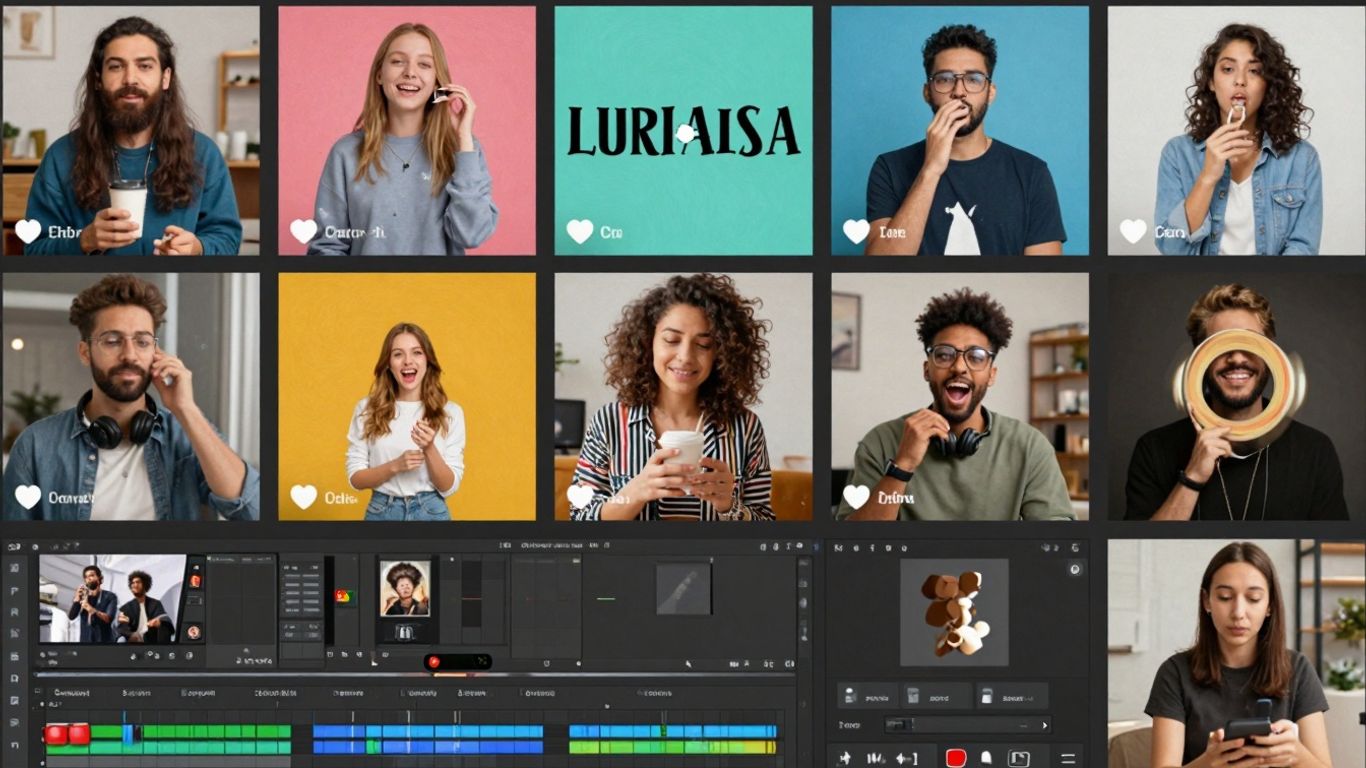
Invideo AI is a pretty neat tool if you're looking to speed up your video creation process, especially for social media. It uses artificial intelligence to help you generate videos, which means you can go from an idea to a finished reel much faster than you might with traditional editing software. It's designed to be user-friendly, so you don't need to be a video editing pro to get decent results.
This app is particularly good for turning text into video. You can give it a script or some ideas, and the AI will help put together a video with relevant footage, music, and voiceovers. It's a good option if you're creating content regularly and need to churn out videos without spending hours in the editing suite.
Here’s a quick look at what makes it stand out:
- AI-Powered Generation: The core feature is its ability to create videos from text prompts, saving a lot of manual work.
- Template Library: It offers a wide range of templates to get you started quickly, which you can then customize.
- Media Assets: Access to a large library of stock videos, images, and music to make your reels more dynamic.
- Customization Options: While AI does the heavy lifting, you still have control over editing text, colors, and adding your own branding.
The main draw here is the time-saving aspect. If you're someone who needs to produce a lot of content for platforms like Instagram Reels or TikTok, and you want to do it without a steep learning curve, Invideo AI is definitely worth a look. It simplifies the process significantly.
While it's powerful, remember that AI tools are still evolving. You might find yourself tweaking the AI's output to get it exactly how you want it, but it provides a solid foundation to build upon.
9. Animoto
If you're looking for a straightforward way to turn your photos and video clips into polished slideshows, Animoto is a solid choice. It's really good at helping you tell a story visually, kind of like putting together a digital scrapbook that moves. The interface is pretty simple, mostly drag-and-drop, so you don't need to be a video editing whiz to get decent results. This makes it super accessible for anyone wanting to create something nice without a steep learning curve.
Animoto is set up with social media in mind, offering templates and formats that work well for platforms like Instagram and Facebook. It's a good option if you want to quickly put together something like a year-in-review video by uploading your favorite photos from the year. You can then share your creation on platforms like TikTok and Instagram Reels.
Here’s a quick look at what makes Animoto stand out:
- User-Friendly Interface: Easy drag-and-drop functionality means less time struggling with software and more time creating.
- Template Variety: A good selection of pre-designed templates helps you get started quickly and gives your videos a professional look.
- Social Media Optimization: Formats are geared towards popular social platforms, making sharing a breeze.
- Customization Options: While simple, you can still tweak text, music, and some visual elements to make it your own.
While Animoto might not have all the fancy AI features found in some other apps, its strength lies in its simplicity and focus on creating compelling slideshows. It's a reliable tool for making visually appealing content with minimal fuss, perfect for those who prioritize ease of use and quick turnaround times for their social media posts.
10. Instagram
Okay, so Instagram. It's pretty much the OG for visual content, right? And while it's got its own built-in tools for making Reels, sometimes you need a little more oomph. The platform itself is great for sharing, but when it comes to actually making those eye-catching videos, you might find yourself looking elsewhere.
Think of Instagram as your gallery and your stage. You can shoot, edit a bit, add music, and post directly. It's super convenient for quick edits and getting content out fast. The real magic happens when you combine Instagram's native features with other apps that give you more control over the look and feel of your videos.
Here's a quick rundown of what you can do directly on Instagram:
- Reels Editor: Access a library of music, add text overlays, use AR effects, and adjust clip speeds.
- Basic Editing: Trim clips, rearrange them, and set a cover image.
- Direct Posting: Upload your creations straight to your profile and share them to your Story.
While Instagram's tools are handy for simple edits and immediate posting, they can feel a bit limited if you're aiming for a highly polished or unique visual style. For more advanced editing, custom graphics, or complex video sequences, you'll likely want to bring in other apps to do the heavy lifting before you upload.
It's all about using the platform to its strengths – sharing and connecting – while letting specialized apps handle the detailed creative work. This way, your Instagram feed stays fresh and engaging without you having to be a video editing wizard within the app itself.
Wrapping It Up
So, there you have it – five solid apps that can really help you make your social media videos pop. It's not about having the fanciest gear anymore; it's about knowing how to use the tools you've got. Whether you're just starting out or you've been at this for a while, picking the right app can make a big difference in how your content looks and feels. Don't be afraid to try a few out and see which one clicks with your style. The most important thing is to keep creating and sharing your unique stories. Happy editing!
Frequently Asked Questions
What are Instagram Reels?
Instagram Reels are short, fun videos, like mini-movies, that you can make and share on Instagram. They can be up to 60 seconds long and you can add music, cool effects, and other creative stuff to make them exciting.
Why should I use an app to edit my Reels?
Using an editing app helps your Reels look super cool and grab people's attention. You can add special effects, change the colors, put text on the screen, and make your videos look professional, which helps you stand out from others.
Can I make good Reels even if I'm new to editing?
Absolutely! Many apps are made to be easy to use, even for beginners. They have simple tools that let you cut videos, add music, and put on filters without needing to be a video expert.
What kind of features should I look for in a Reel maker app?
Look for apps that let you easily cut and join clips, add music and sound effects, put text and stickers on your videos, and use cool filters and transitions. Some apps even have special effects like slow-motion or AR filters.
Do I need to pay for these apps?
Some apps are completely free and offer a lot of great tools. Others have a free version with basic features and offer more advanced options if you choose to pay. There are good choices for every budget!
How can editing apps help my social media account grow?
When your Reels look amazing and are more engaging, more people are likely to watch them, like them, and share them. This can help more people discover your account and follow you, helping your social media presence get bigger.









Privacy is important to us, so you have the option of disabling certain types of storage that may not be necessary for the basic functioning of the website. Blocking categories may impact your experience on the website. View Our Privacy Policy


